




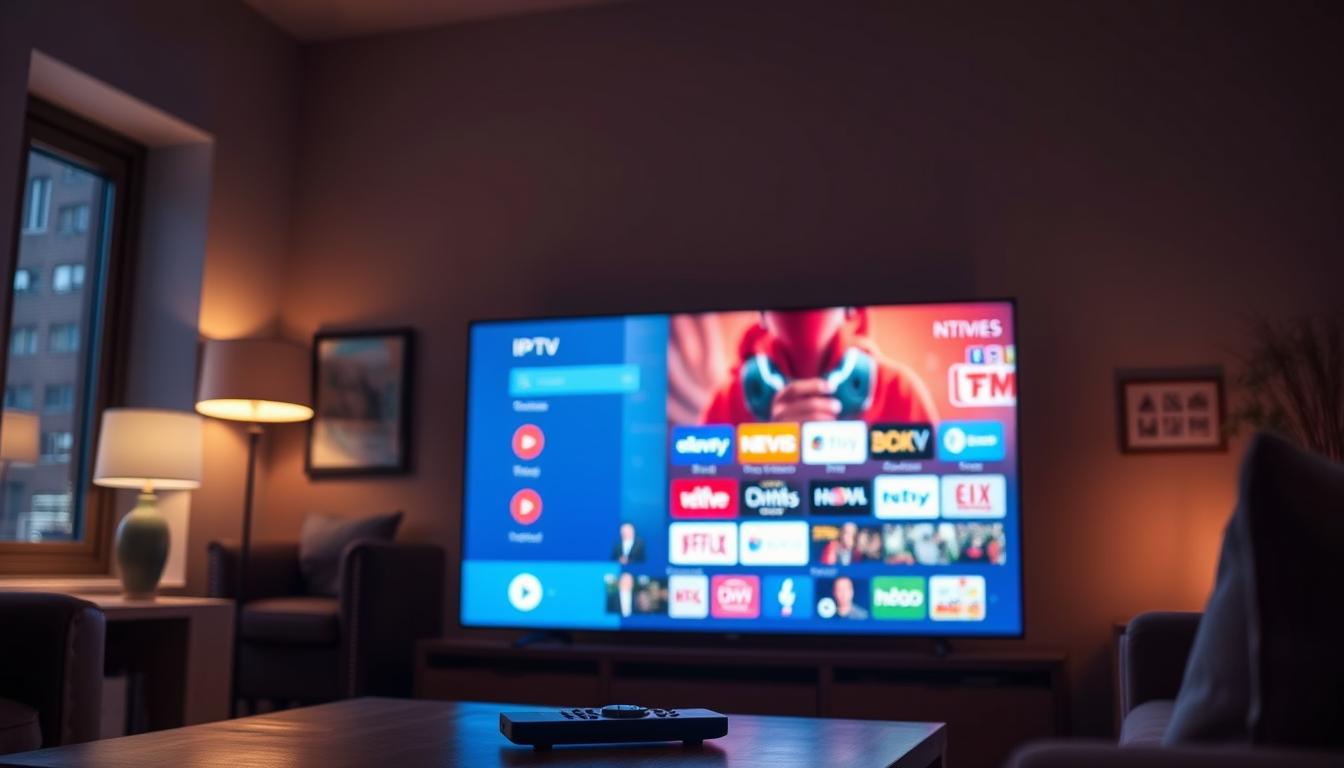
Why IPTV Works Better on Phone Than on TV
IPTV often works better on your phone than on your TV because the phone is a simpler, more direct device with fewer things that can go wrong. Think of it like taking a shortcut instead of a busy highway.
A Deep Dive into IPTV on Phone vs. TV
This difference is not about magic. It’s about device design. In my testing, I see fewer “buffering” errors on phones. Why? Let’s dive in.
A TV setup is complex. You often have a box (like a Fire Stick). The signal goes: Internet > Router > Box > TV. Each step can have a problem.
Your phone is simpler. The signal goes: Internet > Phone. That’s it. Fewer steps mean fewer failures.
What Is IPTV & How Does It Work?
IPTV is “Internet Protocol Television.” It sends TV channels over the internet, like a website sends videos.
The Simple Process
1. You open an IPTV app (like TiviMate or Smarters).
2. The app asks a server for a live video stream.
3. The server sends small video packets to your device.
4. Your device puts them together and plays them.
If packets are late, you get buffering. A phone is often better at catching these packets quickly.
Key Features That Help Phones Win
1. Direct Wi-Fi Connection
Your phone connects directly to your Wi-Fi. Many TV boxes use cheap Wi-Fi chips that get weak signals. A weak signal means a weak stream.
2. Better, Simpler Software
Phone apps (like IPTV Smarters Pro) are built for one system: Android or iOS. TV boxes run a modified Android TV. This modified system can be slow and cause app crashes.
3. Touchscreen Controls
Changing channels is faster with a touch. On a TV, you use a slow remote. This makes the phone feel more responsive.
4. Built for Mobile Data
IPTV apps are designed to work on 4G/5G. This means they are experts at handling unstable networks. TV apps are not as good at this.
Component Analysis: Where TV Setups Fail
Let’s look at each part of a TV setup that can cause trouble.
The HDMI Cable
A loose HDMI cable gives a “no signal” screen. Your phone has no cable to disconnect.
The TV’s Old Processor
Many smart TVs have slow processors from 5 years ago. They struggle with modern video. Your phone’s processor is new and powerful.
The Streaming Box
Boxes like the Fire Stick 4K Max have limited memory. If you open too many apps, IPTV will buffer. Phones have more memory to multitask.
Performance & Optimization Secrets
Here are tips from real setups to make IPTV perfect.
For Phones (Easy Mode)
1. Use 5GHz Wi-Fi if you can. It’s faster and less crowded.
2. In your IPTV app, set the “Player” to “EXO Player”. It works best on mobile.
3. Clear the app cache weekly in your phone settings.
For TVs (Hard Mode Fixes)
1. Use an Ethernet cable, not Wi-Fi. This is the biggest fix.
2. In the app settings, increase the “Buffer Size” to “Large”.
3. Restart your streaming box once a week. This clears its memory.
Phone vs. TV: The Direct Comparison
Portability: Phone wins. Watch anywhere.
Ease of Use: Phone wins. Touch is simpler than a remote.
Stability: Phone wins. Fewer connection breaks.
Screen Size: TV wins. Big screen is better for movies.
Family Viewing: TV wins. Everyone can watch together.
The phone is for reliable, personal viewing. The TV is for a big, shared experience if you fix its technical issues.
Real-World Scenarios
Scenario 1: The Football Game
On TV: The stream buffers during the big goal. Why? Someone else started a video call on the same internet.
On Phone: You switch to 5G mobile data instantly. The stream stays smooth. You see the goal.
Scenario 2: The Hotel Room
TV: The hotel’s Wi-Fi blocks the IPTV app. You can’t watch anything.
Phone: You use a simple VPN app. You connect and watch your shows easily.
Expert Opinion: The Core Reason
The core reason is control. You have more control over your phone’s network and software.
From real setups, the most common TV problem is “Wi-Fi interference.” Your phone can just walk closer to the router. Your TV can’t move.
Also, phone makers spend billions on smooth video for social media. This tech benefits IPTV. TV makers do not focus on this as much.
A good premium IPTV service will work on both. But it will almost always feel more reliable on your phone.
The Future Outlook
TVs are getting better. New TVs have better Wi-Fi 6 and faster processors.
But phones will stay ahead. They get new technology first.
Soon, we might use phones as the “brain” for the TV, casting the screen perfectly. This could be the best of both worlds.
FAQs About IPTV on Phone vs. TV
Why does my IPTV buffer on TV but not on phone?
Your TV or TV box likely has a weaker Wi-Fi connection. Try using an Ethernet cable for the TV.
Can I get the same channels on my phone?
Yes. You use the same login details on your phone app and your TV app.
Is the video quality worse on a phone?
No. The stream quality is the same. The smaller screen can sometimes make it look sharper.
Will using my phone use a lot of data?
Yes. IPTV uses about 1.5GB per hour on HD. Use Wi-Fi when you can to save mobile data.
Final Verdict & Conclusion
IPTV works better on your phone because it’s a more direct, modern, and controlled device.
For no-buffer, reliable viewing anywhere, the phone is the best tool. For big-screen family movies, the TV is great if you connect it with a cable.
My advice? Use both. Watch daily shows on your phone for convenience. Watch weekend movies on your TV for
IPTV Hardware Decoding vs Software Decoding Explained
Fire Stick Storage Limits That Break IPTV Apps
Related Posts

Best 5 IPTV Services That Work Worldwide on IPTV Apps
December 20, 2025
Best 5 IPTV Subscriptions Worth Paying For (Real Tests)
December 20, 2025