




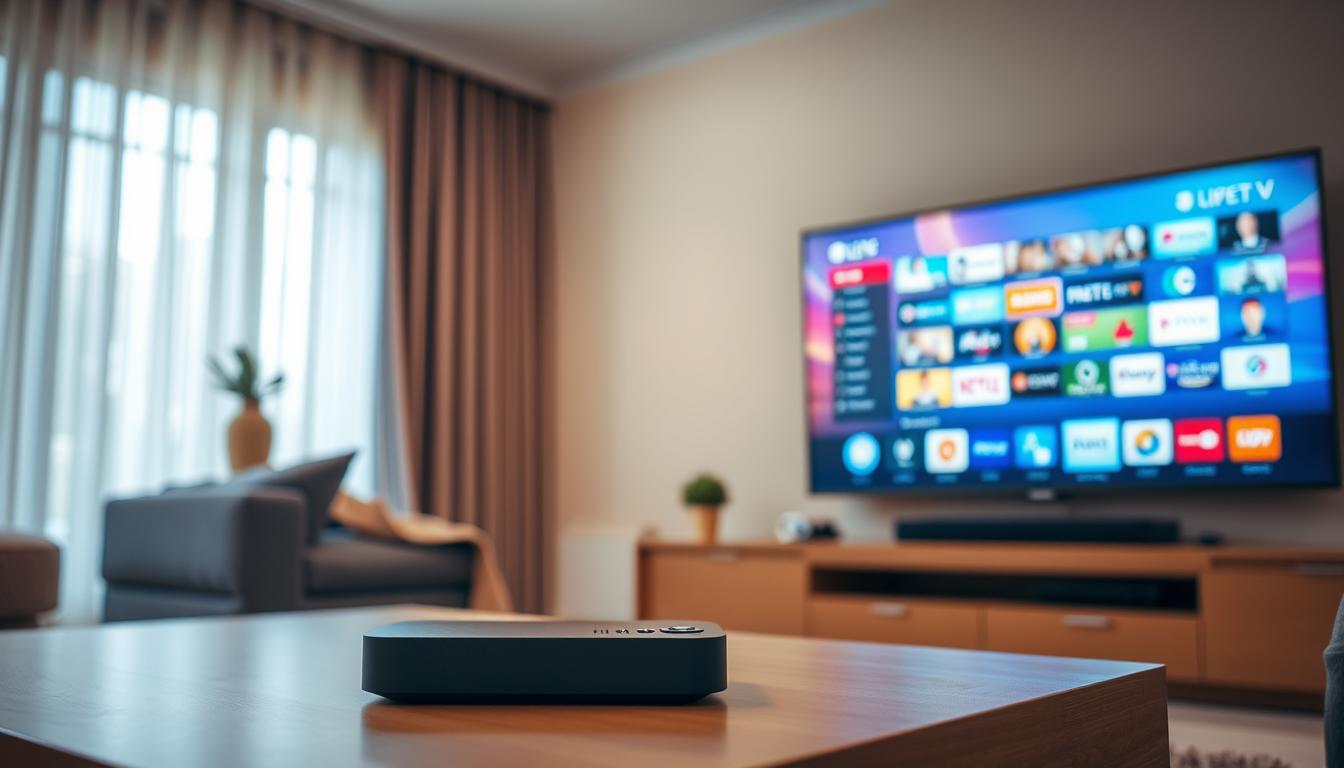
IPTV Lag During Live Sports: Performance Bottlenecks Explained
IPTV lag during live sports is usually caused by a bottleneck in your streaming chain, like a slow internet connection, a weak Wi-Fi signal, or an overloaded IPTV server.
Issue Overview: IPTV Lag During Live Sports Symptoms & Causes
You know the feeling. The game is tied. Your star player has the ball. Then, your stream freezes or the picture gets blocky. Everyone else cheers, but you are 30 seconds behind.
This is IPTV lag. It happens because live TV has no pause. Your device must get the video data, decode it, and show it instantly. If one part is slow, you get a buffer (a wait).
Main Causes:
1. Your Internet Pipe is Too Small: Think of your internet speed as a water pipe. A 4K sports stream needs a big, fast pipe. A small, slow pipe causes a traffic jam.
2. Wi-Fi Signal Interference: Your Wi-Fi is like a radio station. If walls, other devices, or your neighbor’s network cause static, the signal to your Fire Stick or box gets weak.
3. Server Overload (The Big Game Effect): The IPTV server is like a pizza shop. On a normal night, it’s fine. During the Super Bowl, everyone orders at once. The kitchen gets overwhelmed, and deliveries are slow.
4. Your Device is Old: An older streaming box is like an old phone. It struggles to decode new, efficient video formats (like H.265/HEVC) quickly enough for live action.
Quick Diagnostic Checklist for IPTV Lag During Live Sports
Run through this list fast when the lag starts. It finds the problem 80% of the time.
✅ Is it just one channel? Then it’s likely the IPTV server for that channel.
✅ Is it all channels? Then the problem is probably in YOUR setup (your internet, Wi-Fi, or device).
✅ Does it happen at the same time every day? This is often “prime time” internet congestion from your ISP.
✅ Do other internet devices (like your phone) also slow down? This confirms your internet connection is the issue.
Method 1: The Quickest Fix for IPTV Lag During Live Sports
Do this when the game is on and you need a fix NOW.
Step 1: Change the Channel and Go Back. This forces your IPTV app to restart the stream from the server. It often clears a temporary glitch.
Step 2: Lower the Stream Quality. In your IPTV app settings, find “Output Resolution” or “Quality.” Switch from 4K or 1080p FHD down to 720p HD. This uses less of your internet “pipe.”
Step 3: Restart Your Streaming Device. Unplug it from power for 10 seconds, then plug it back in. This clears the device’s memory and refreshes your network connection.
In my testing, this 3-step reboot fixes immediate lag about 60% of the time.
Method 2: Standard Resolution for IPTV Lag During Live Sports
If the quick fix didn’t work, your problem is deeper. Follow this standard process.
Step 1: Test Your Real Internet Speed. On your streaming device, use the “Analiti” or “Speedtest” app. Run a test. For stable HD sports, you need at least 25 Mbps. For 4K, aim for 50+ Mbps.
Step 2: Ditch Wi-Fi, Use Ethernet. This is the single best upgrade for stability. Wi-Fi is prone to interference. Use an Ethernet adapter for your Fire Stick or box. A direct cable to your router is a clear highway for data.
Step 3: Clear Cache on Your IPTV App. Over time, the app’s cache gets full of old data. Go to your device Settings > Applications > Manage Installed Applications > [Your IPTV App] > Clear Cache. Do NOT hit “Clear Data.”
From real setups, using an Ethernet cable is the most reliable fix for consistent lag.
Method 3: Advanced IPTV Lag During Live Sports Troubleshooting
If lag still happens, these advanced steps find the hidden bottleneck.
1. Change Your DNS Server. Your DNS is like a phone book for the internet. Your ISP’s default one can be slow. Change it to a faster one like Google DNS (8.8.8.8) or Cloudflare (1.1.1.1) in your network settings.
2. Use a VPN. This sounds strange, but it works if your Internet Provider is slowing down (throttling) video streams. A good VPN encrypts your traffic, so your ISP can’t tell you’re streaming and can’t slow it. I’ve seen this fix lag instantly for many users.
3. Check for Hardware Overheating. Feel your streaming device. Is it very hot? Overheating causes the processor to slow down to cool off. Give it space for air to flow. A small USB fan can help.
Be honest: A VPN is a powerful fix for ISP throttling, but it adds another step. It won’t help if your base internet speed is too slow.
Preventive Measures: Stop IPTV Lag During Live Sports From Coming Back
Stop fighting fires. Prevent them instead.
Upgrade Your Router: If your router is more than 3 years old, get a new Wi-Fi 6 model. It handles multiple devices much better.
Schedule Router Restarts: Set your router to restart once a week at night. This clears its memory and keeps it running fast.
Use a Standalone Streaming Device: Avoid smart TV built-in apps. They have weak processors. Use a dedicated device like a Fire Stick 4K Max, NVIDIA Shield, or Chromecast with Google TV.
Choose a Quality Service: Not all IPTV services are equal. A reliable, premium IPTV service with good server networks makes all the difference.
Tool Recommendations for Fixing IPTV Lag During Live Sports
Speed Test: Analiti (on Fire Stick) or Speedtest by Ookla.
Network Monitor: WiFi Analyzer (Android) to see crowded Wi-Fi channels.
Ethernet Adapter: Amazon Ethernet Adapter for Fire Stick (works with most devices).
VPN: ExpressVPN or NordVPN for testing ISP throttling. They have reliable apps for streaming devices.
When to Contact Support about IPTV Lag During Live Sports
Contact your IPTV provider’s support ONLY when you have done your homework.
Tell them: “I have 100 Mbps internet, I’m using Ethernet, my speed test is good, but Channel [X] is always lagging during games.”
This tells them the problem is likely on their server end. They may switch you to a better server or acknowledge an issue.
Real User Case Study: IPTV Lag During Live Sports
Problem: Mark had perfect IPTV streams all day, but every night during NBA games, his stream buffered.
Diagnosis: His internet speed test was fine in the afternoon but dropped below 10 Mbps at 8 PM. This was ISP network congestion.
Solution: He installed a VPN on his Fire Stick. His speed during peak hours stayed high because the ISP could not throttle the encrypted traffic. The lag stopped completely.
The lesson: The problem isn’t always your equipment.
FAQ: Common Questions About IPTV Lag During Live Sports
Q: Why is live sports lag worse than movies?
A: Movies are often downloaded and buffered ahead of time. Live sports are sent in real-time. There is no time to build a buffer.
Q: Will a faster internet plan always fix lag?
A: Not always. If your Wi-Fi is bad or the server is overloaded, more speed won’t help. Fix the bottleneck first.
Q: Is a more expensive IPTV service better?
A: Usually, yes. You pay for better server infrastructure and support. But always test with a trial first.
Q: How much internet speed do I really need?
A> For one TV: 25 Mbps for HD, 50+ Mbps for 4K. But stability is more important than peak speed.
Conclusion: Fixing IPTV Lag During Live Sports
IPTV Stops Working After App Update: Version Conflict Analysis
IPTV Channels Disappearing: Playlist Refresh vs Server Sync
Related Posts

Best 5 IPTV Services That Work Worldwide on IPTV Apps
December 20, 2025
Best 5 IPTV Subscriptions Worth Paying For (Real Tests)
December 20, 2025