🛠️ Step-by-Step: Recovering a Banned WhatsApp Account
✅ Step 1: Request a Review From Within the App
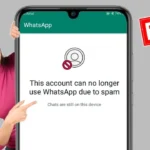
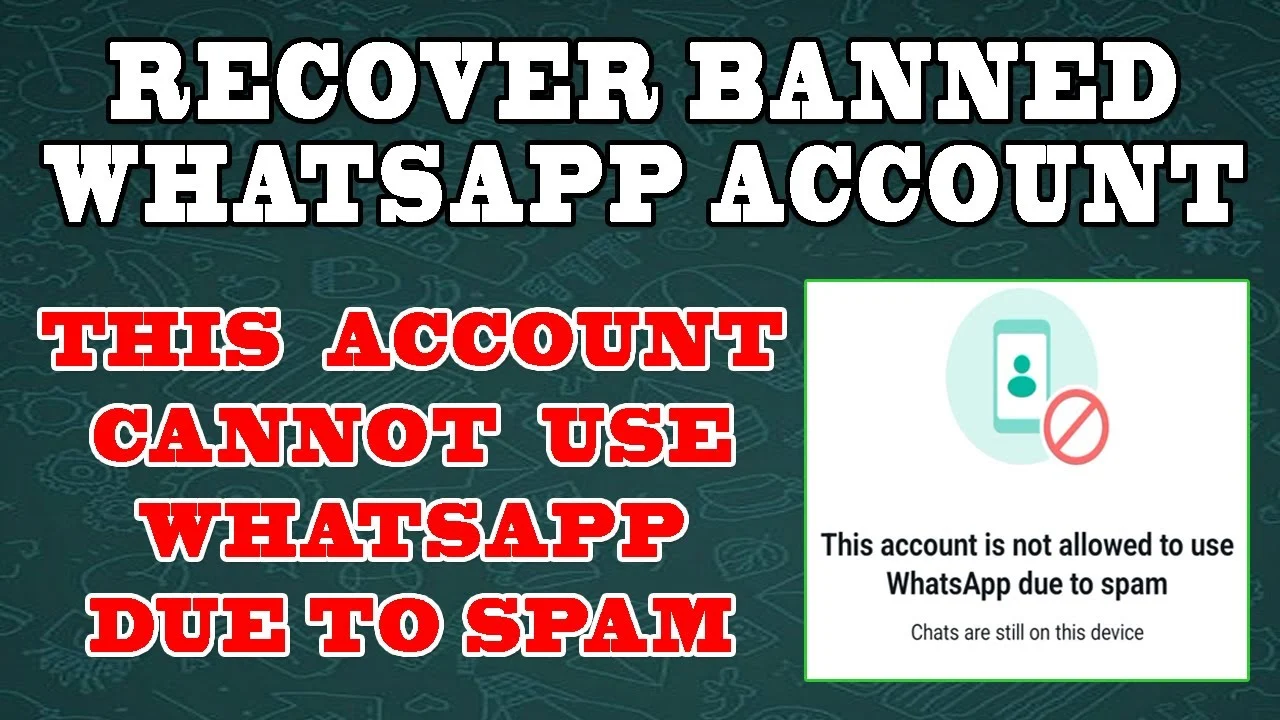
If you see the ban screen, tap “Request a Review.”
You’ll be prompted to explain why your number should be reinstated. Keep it short and respectful.
Example:
“Hi, I believe my account was mistakenly banned. I always use WhatsApp responsibly. Please review the ban.”
Once submitted, wait for the response — usually within 24-48 hours.
📧 Step 2: Email WhatsApp Support
Didn’t get a result from the in-app appeal? Go direct.
Send an email to support explaining your situation.
Use the correct format:
-
Subject: My WhatsApp account was banned — Requesting review
-
Body: Include your phone number in international format and a short explanation.
Use the official support email:
-
Android:
android_web@support.whatsapp.com -
iPhone:
iphone_web@support.whatsapp.com
🔁 Step 3: Uninstall and Reinstall WhatsApp
Sometimes, a clean reinstall triggers the review flow again.
-
Delete the app
-
Reinstall it from Google Play or App Store
-
Verify your number
-
If prompted to “Request Review,” do it again
If your account isn’t restored, move on to the next step.
⚠️ Important Tips During the Process
-
Do not send multiple emails at once — it can delay your review
-
Never use third-party WhatsApp clones — they’re often the root cause of bans
-
Be patient — reviews can take a few days depending on traffic
🔒 How to Avoid Being Banned Again
Once your account is restored, follow these guidelines to stay safe:
-
✅ Only use the official version of WhatsApp
-
✅ Don’t send mass messages or bulk forwards
-
✅ Avoid sharing shady or shortened links
-
✅ Don’t use bots or automated replies
-
✅ Limit group spam and chain messages
👇 Final Thoughts
Getting banned from WhatsApp can feel like the end of the world — especially if you use it to manage your daily life or business. But with the right steps, recovery is possible.
Be honest, stay calm, and follow the guide. Most users who appeal properly get their account back.
Need more digital troubleshooting tips? Visit TopFirestick.com — a trusted resource for smart users